Turn attendees into
brand ambassadors.
↳ annotation: enrich · composite · dispatch · share01 / The Challenge
Creating a personalized “I’m Attending” social graphic for every summit attendee is a manual nightmare. Previous attempts with Photoshop templates yielded only ~50 assets, leaving huge organic reach on the table.
02 / The Protocol
We built a Viral Looppipeline. It scrapes each attendee’s LinkedIn profile for their photo, composites a branded asset in bulk with BannerBear, and dispatches it by email. No human ever touches it.
The Viral Loop Engine

 Waiting in queue…
 Waiting in queue…
Attendees outside the bulk run build their own image via a public form.
> corporate-rebels.com/summit-2025/image-generatorHow the Loop Runs
One attendee record goes in; one personalized, on-brand image comes out, through seven stacked tools. The bulk run handles ~70% of attendees automatically; everyone else self-serves through a public form that feeds the exact same pipeline.
Scraped + enriched attendees are generated in a single activation (191 images in ~5 minutes), then emailed automatically.
Everyone outside the bulk run builds their own image through a public Typeform that feeds the same generation pipeline.
From “Nice to Have” to “Must Share”
The friction in sharing event excitement is usually asset creation. Attendees want to share, but they don’t have a designer. So the post never happens, and the organic reach evaporates.
By automating the design, we removed the friction. Clay enriches attendee emails with LinkedIn data, BannerBear places their headshot into a high-fidelity template, and Kit emails them a direct download link.
The result? A flood of “I’m attending!” posts that dominated the feed in the weeks before the summit. That is buzz money literally cannot buy.
Results
Attendees who shared their personalized image organically.
Estimated views across attendee posts in the run-up.
Spend needed to buy the same LinkedIn visibility.
Composited in a single automated Make activation.
↳ baseline: ~50 hand-made PSD images in the prior edition · target reach ~3,000 attendees
Field Report
“The summit was fantastic — and the buzz around the event was brilliant, both beforehand through the visuals and afterwards. Top collaboration, and we’re really happy with how smoothly it all ran. Let’s definitely look at doing it again next year.”
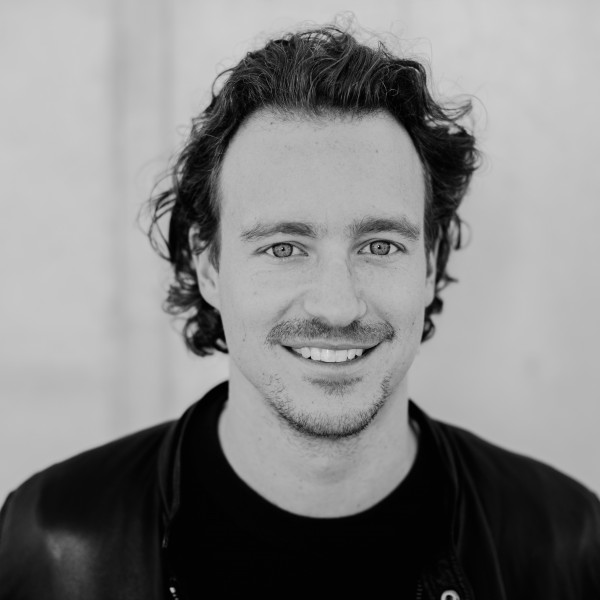
Pim de Morree
Co-founder, Corporate Rebels
Next Case Study · QDN-01